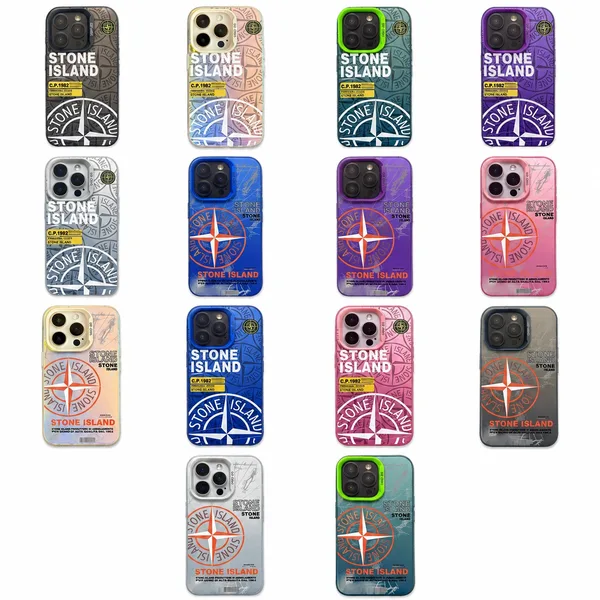
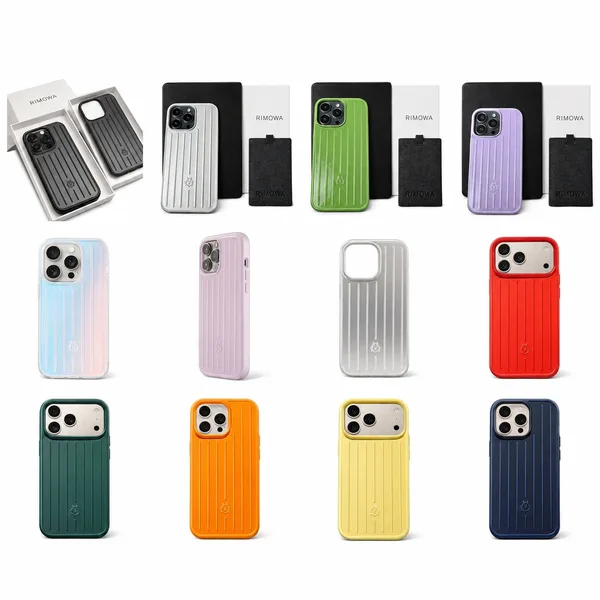
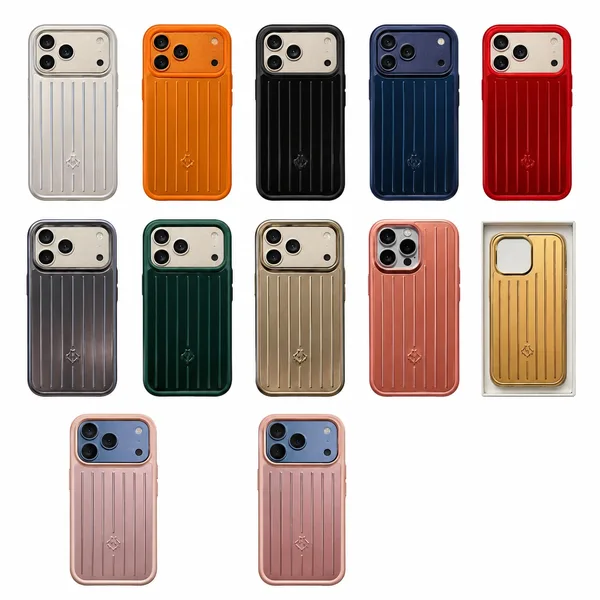
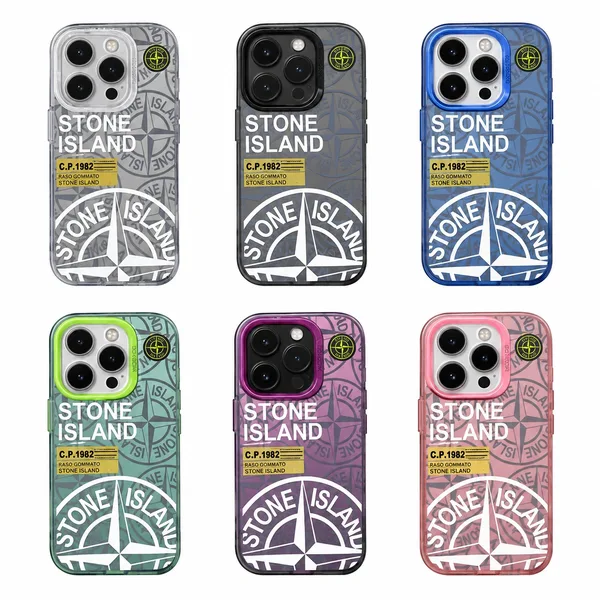
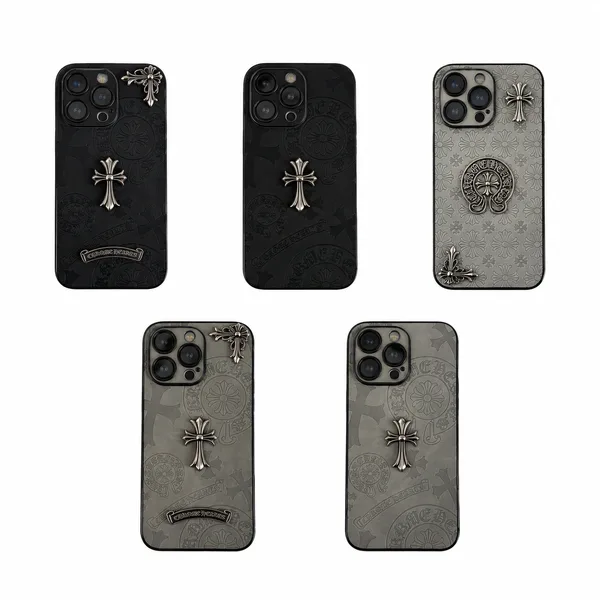
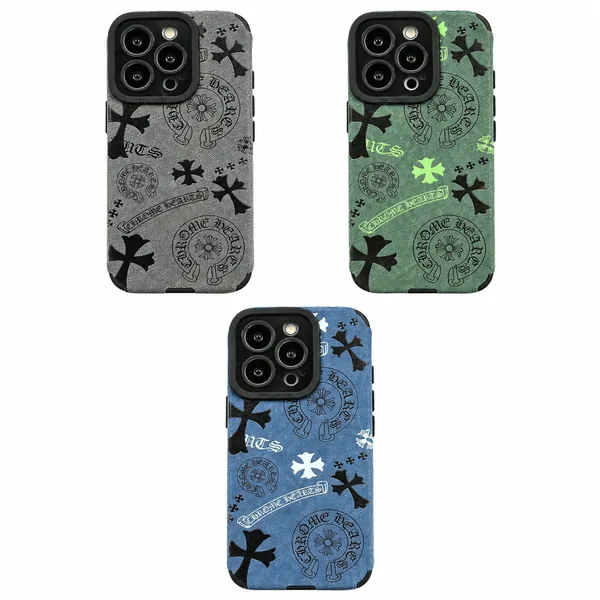
Chrome Hearts Phone Case
$11.70
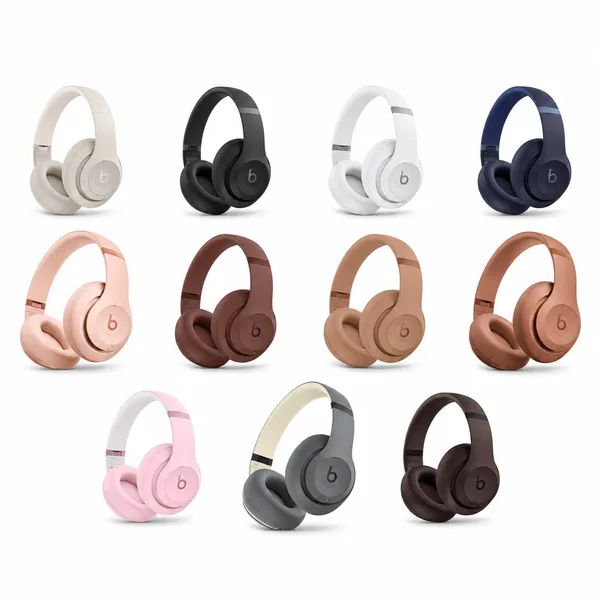
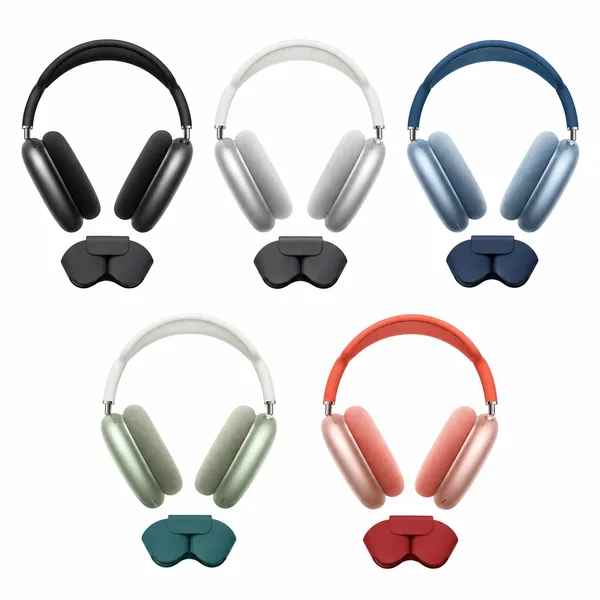
Beats Over-Ear Headphones
$31.20 – $74.71
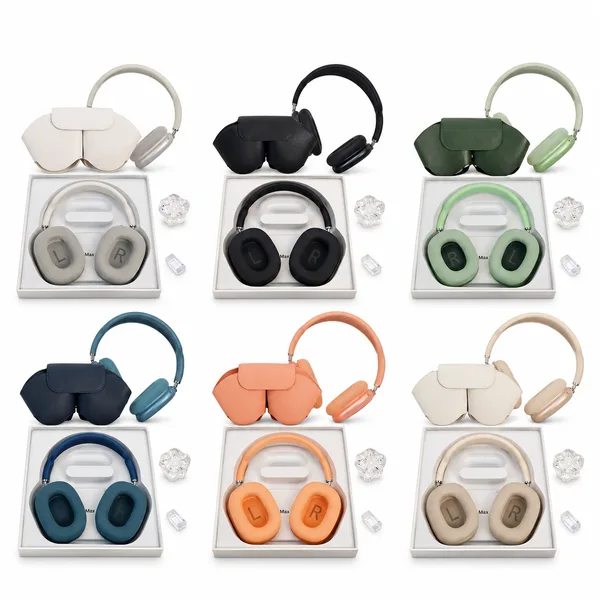
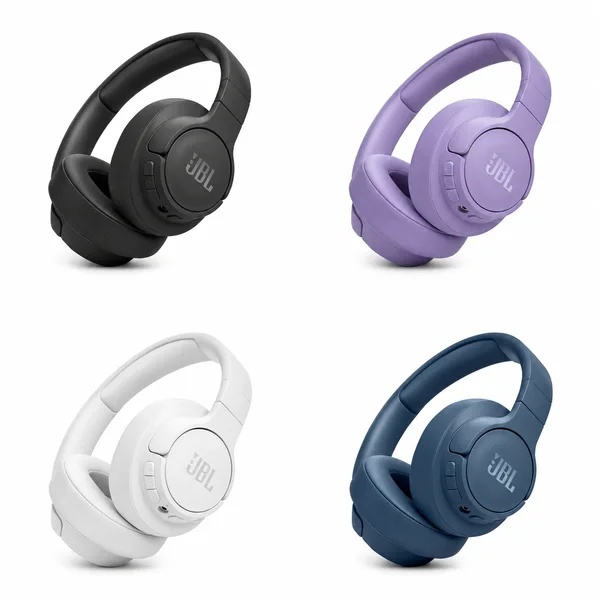
Over-ear Wireless Bluetooth Headphones
$65.11 – $86.11
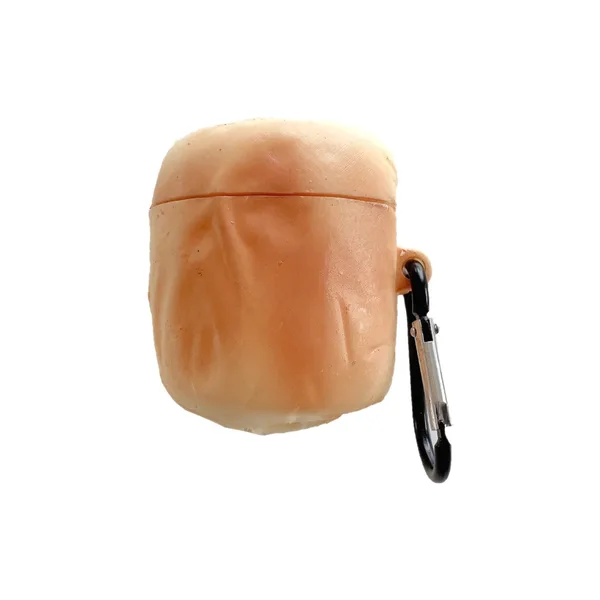
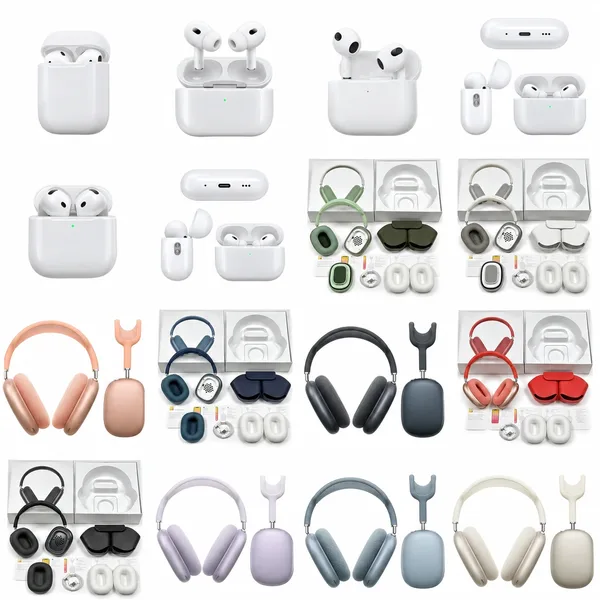
Wireless In-Ear and Over-Ear Headphones
$14.85 – $32.85
Over-Ear Headphones
$29.85
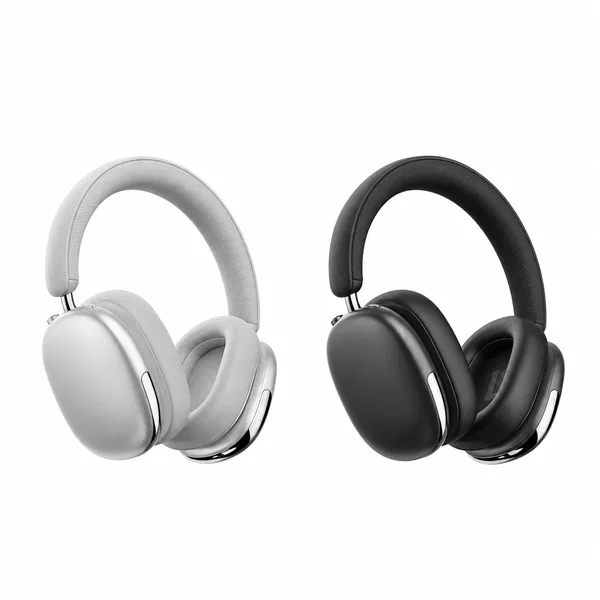
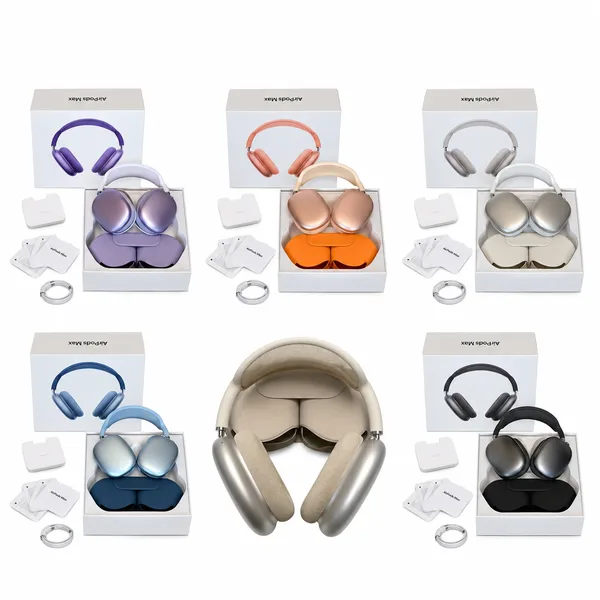
OopBuy Electronics Spreadsheet: Phone Cases, Headphones & Accessories
The most useful accessory is the one that fits the device you already own. A phone case needs the right camera opening and button positions; headphones need the connection and features you actually use. Start with that compatibility, then choose the texture, colour or design that makes the item feel yours.
This OopBuy electronics spreadsheet currently includes phone cases, headphone listings and earbud-case accessories. The combined covers help compare designs, but similar images can refer to different devices or versions. Open the product, identify exactly what is included and follow the matching OopBuy link to confirm the selected model before payment.
Start with the full device model
Use the exact model shown in your device settings, including suffixes such as Pro, Plus or Max where applicable. Similar names and screen sizes do not guarantee the same camera layout or button positions. A cover may use one case to illustrate a design available for several models. The selected compatibility option, not that example image alone, determines what you receive.
Different products, different compatibility checks
Use these examples to separate a protective accessory from an electronic device. The checks are different even when both appear in this category.
| In the collection | What to compare |
|---|---|
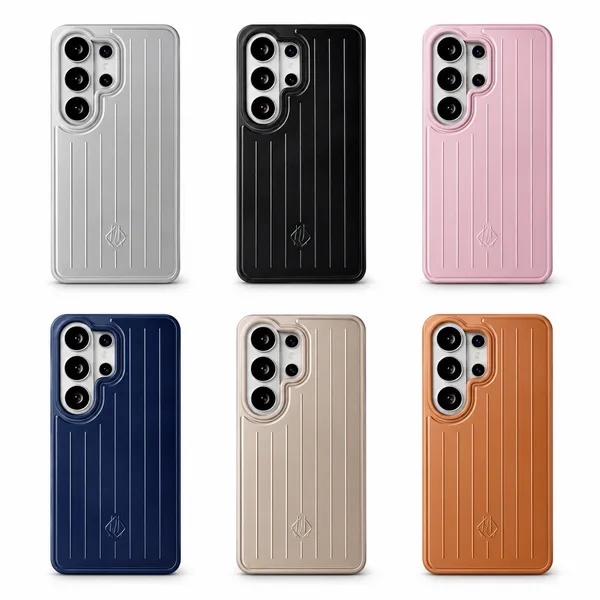
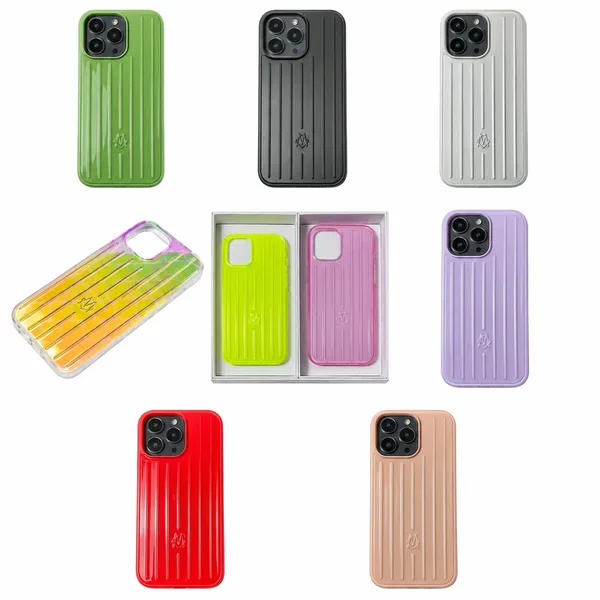
| RIMOWA Ribbed Phone Case | Check the exact phone generation and variant before comparing surface colours. |
| Beats Over-Ear Headphones | Confirm connection type, controls, included accessories and the stated functions of the selected version. |
| Cartoon & Food-Shaped Earbud Cases | Check which earbud charging case it fits and whether the listing is for the cover alone. |
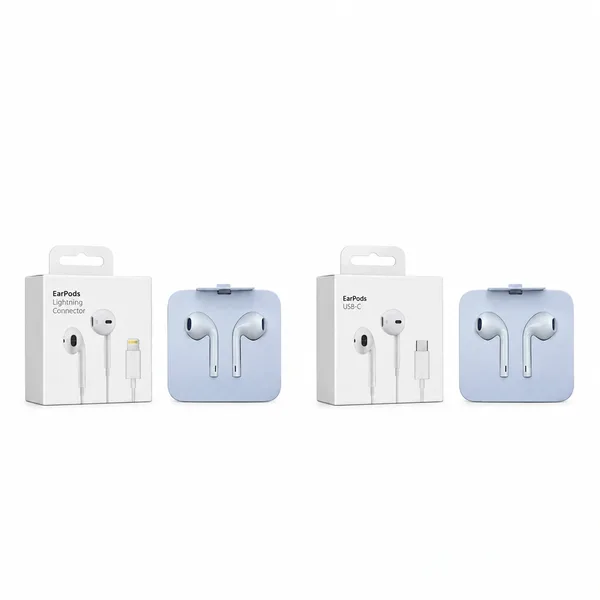
| Apple EarPods Wired Headphones | Match the stated connector to your device; the product name alone is not enough. |
Write down the exact device before browsing
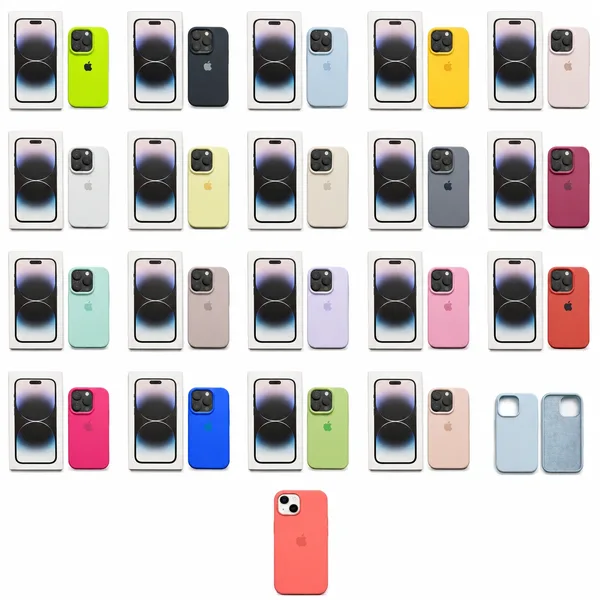
For a phone case, use the full device name from your settings or purchase information. A standard, Plus, Pro or Max model can have a different body and camera layout even within one generation. Check the option label and its photograph together. If the cover groups many devices, choose the model first and then the colour, rather than assuming every shown design fits every phone.
For headphones, begin with how you will connect them. A wired connector, wireless pairing and a charging socket serve different purposes. Check whether an adapter is required for your device and whether it is included. With earbud accessories, identify the charging-case generation too: the earbuds’ broad family name may not establish the correct case shape.
Choose the surface for how you use the phone
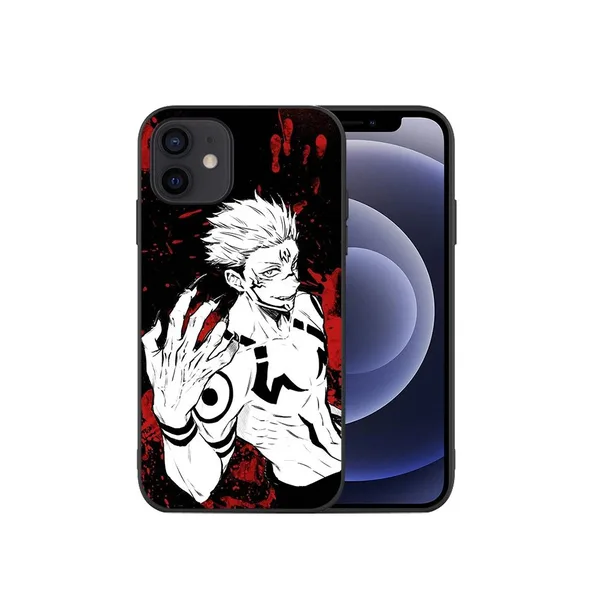
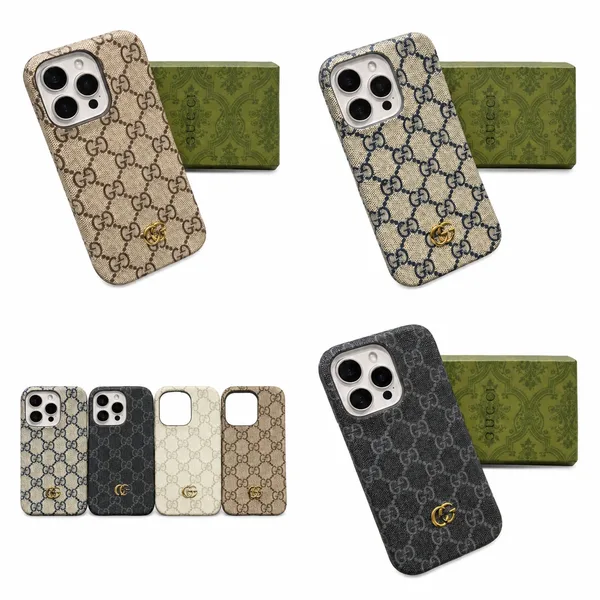
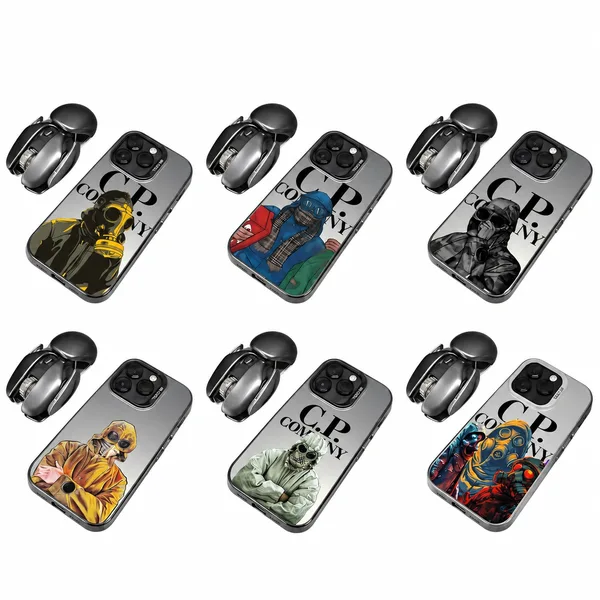
Compare smooth, ribbed and transparent designs in the individual photographs. Think about whether you want the phone colour visible or prefer a solid back. Look at the side profile and edges as well as the rear graphic. A visually textured case does not establish a particular grip or protective rating, but the images can help you compare shape and thickness where shown.
Check openings and the features you rely on
Look for clear views of the camera opening, charging port, buttons and attachment points. If you need magnetic accessories, wireless charging or a lanyard, check that the exact version states compatibility. Do not infer a drop rating or waterproofing from the design. For a bundle, confirm which accessories are included rather than counting everything used in a styled photograph.
A useful electronics comparison sheet
Similar shells do not establish identical functions. Compare the selected option’s description alongside its photos, and ask about a feature only when it matters to your use. The aim is a compatible, clearly specified purchase, not the longest list of claims.
| What to compare | How to use it |
|---|---|
| Phone case | Check camera openings, buttons, connector access and the exact device option. |
| Headphones | Check the stated connection, microphone, controls and included cables. Do not infer noise cancellation from the shape. |
| Earbud cover | Match the charging case and confirm whether the cover is sold without earbuds. |
| Battery and shipping | Check the actual battery-containing item against OopBuy’s available routes for your destination. |
Confirm contents before comparing the total cost
A low price can belong to a case, cable or accessory rather than the device shown elsewhere in a collection. Open the option description and count what comes with it. If two headphone versions differ in their stated functions or included accessories, compare those differences directly; price by itself does not tell you about sound quality or battery life.
Warehouse photos can help confirm the model label, appearance and included pieces, but they do not replace a functional test. Ask what checks are available when needed. Before international dispatch, confirm route eligibility and packing for the actual contents, especially battery-powered goods. Add those delivery costs to the chosen option price before comparing your alternatives.
Verify the selected version before shipping
Select the compatible model, connection and design on OopBuy, then check the final item price. At warehouse arrival, compare the packaging label, visible connectors and included accessories with your order. For a case, check the camera and port openings where photos allow. For headphones, check the stated model and supplied cable or charging accessories. Photos can catch a wrong version or missing piece; they cannot fully test fit, sound quality or battery performance.
Frequently Asked Questions
Will cases for phones with the same screen size fit?
Not necessarily. Camera modules, dimensions and button positions can differ. Match the full device model.
Why does the picture show a different camera opening?
It may illustrate one model in a multi-model listing. Check the selected version and ask for confirmation if its image is unclear.
Does a case support magnetic charging because it has a ring design?
No. A visible ring can be decorative. Look for explicit compatibility information for the selected case.
Are the phones in the pictures included?
A phone-case listing is for the case unless its contents explicitly state otherwise. Check the selected product type and package contents.
Will wired headphones work with my phone without an adapter?
Match the exact plug with your device’s port: a 3.5 mm, USB-C or other connector is not interchangeable. Check whether an adapter is required and included, and whether microphone and control functions are stated for your device.
Can warehouse photos confirm headphone sound quality?
No. They help identify the visible model and contents. Sound, microphone performance and battery life need functional information or testing, so ask which checks are available if they affect your decision.