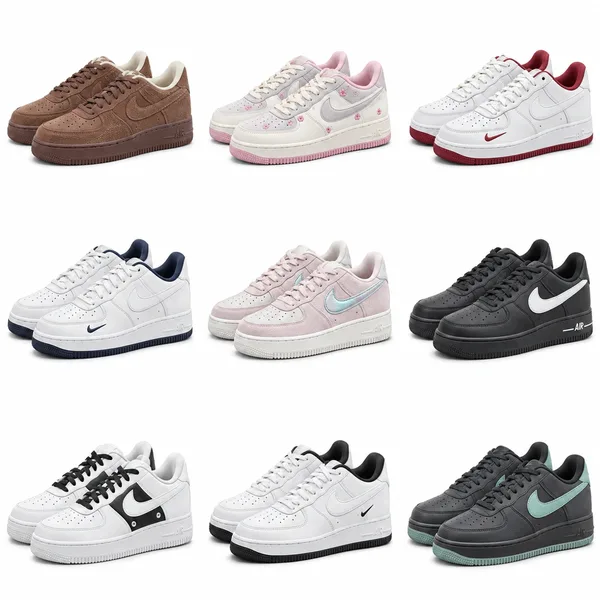
Nike Low-Top Sneakers — Brown
$44.85 – $63.01
$44.85 – $63.01
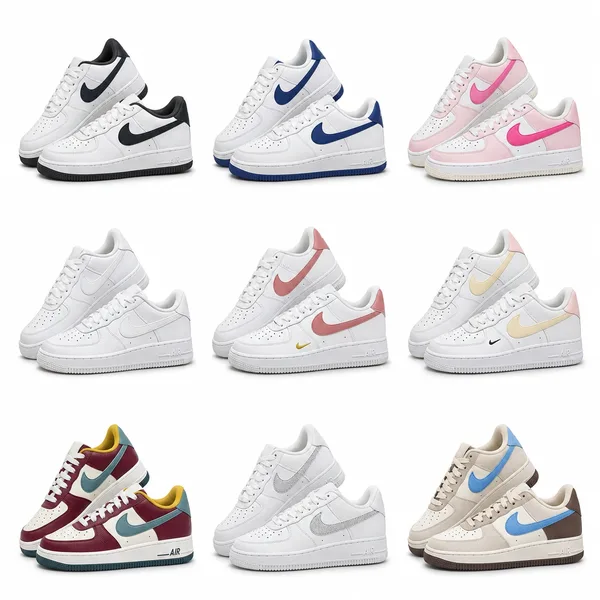
$44.70 – $53.70
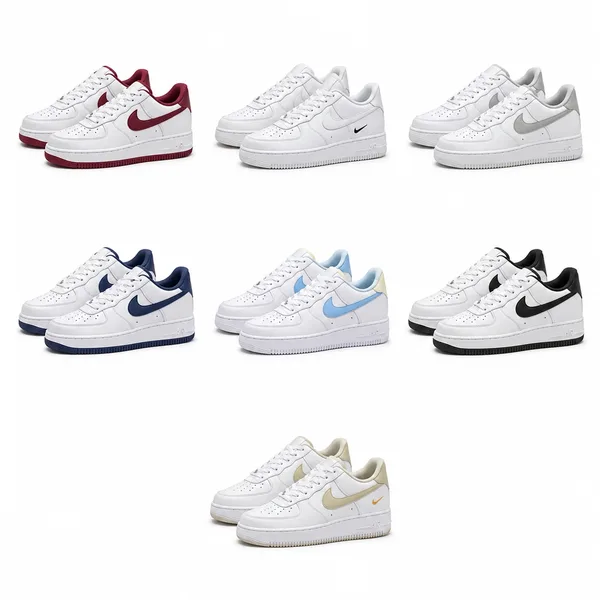
$44.70 – $59.85
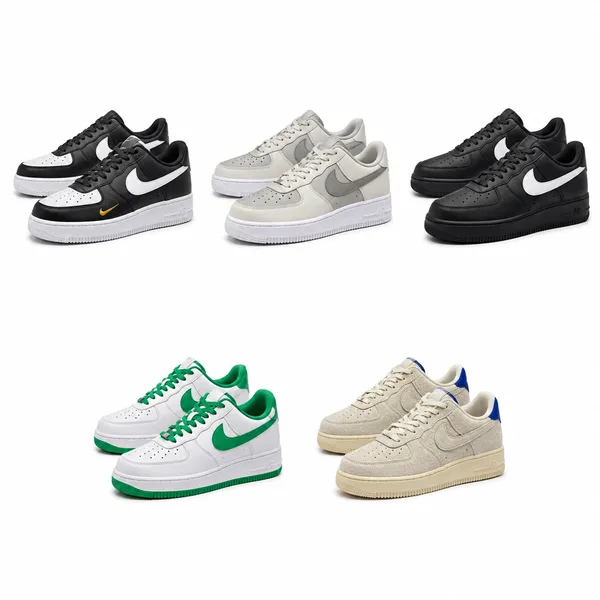
$44.25 – $53.70
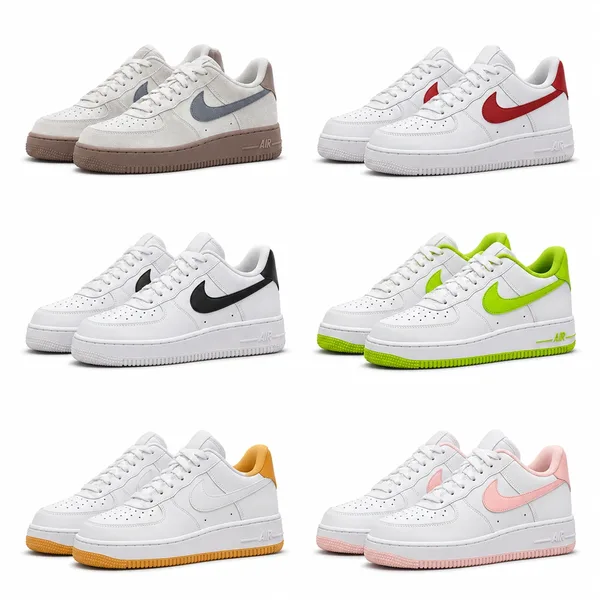
$38.70 – $53.70
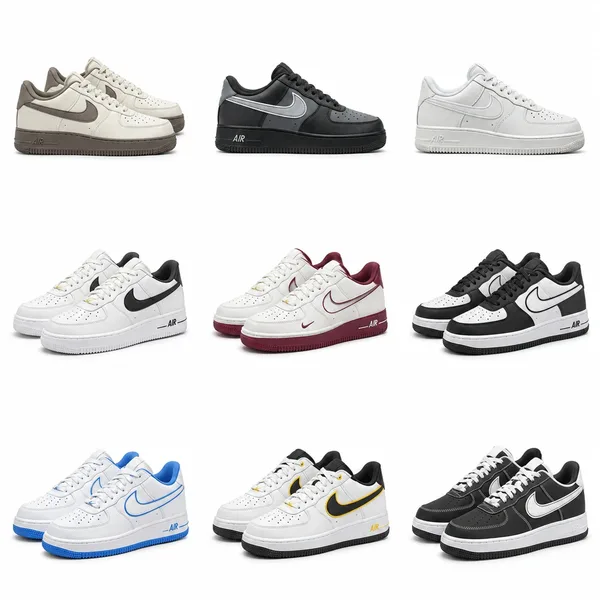
$41.85 – $53.70
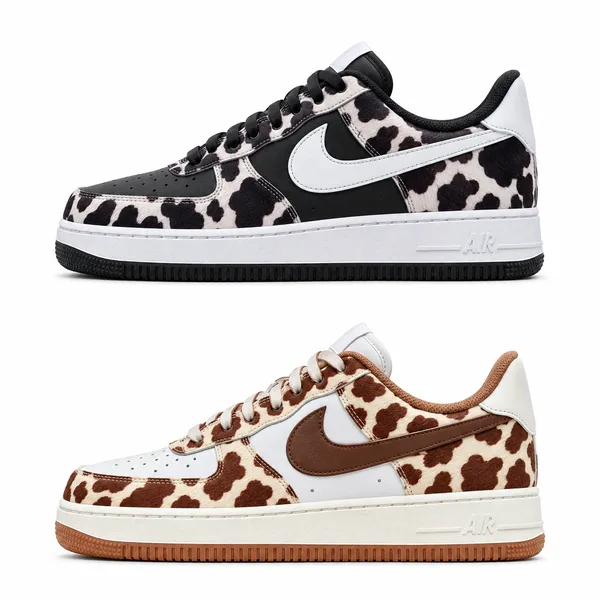
$44.70
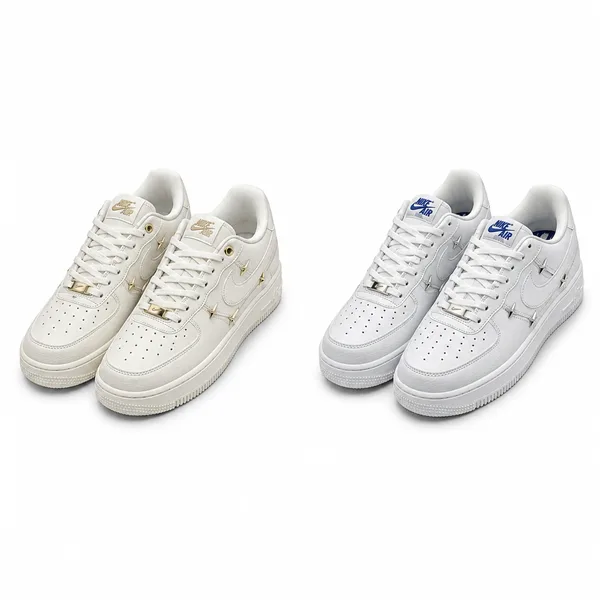
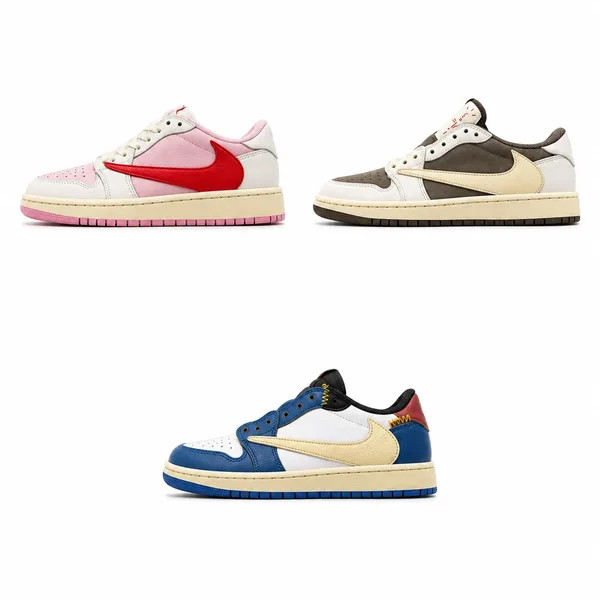
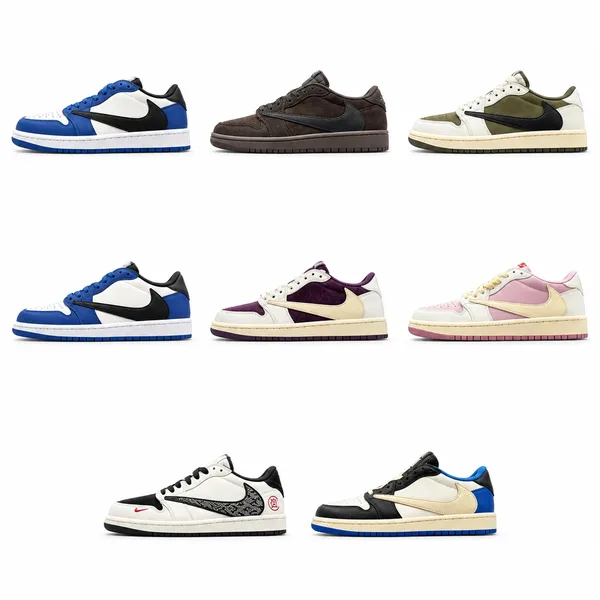
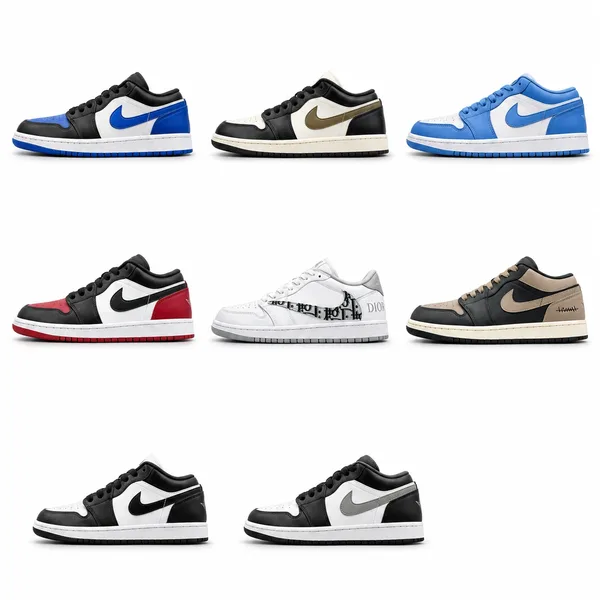
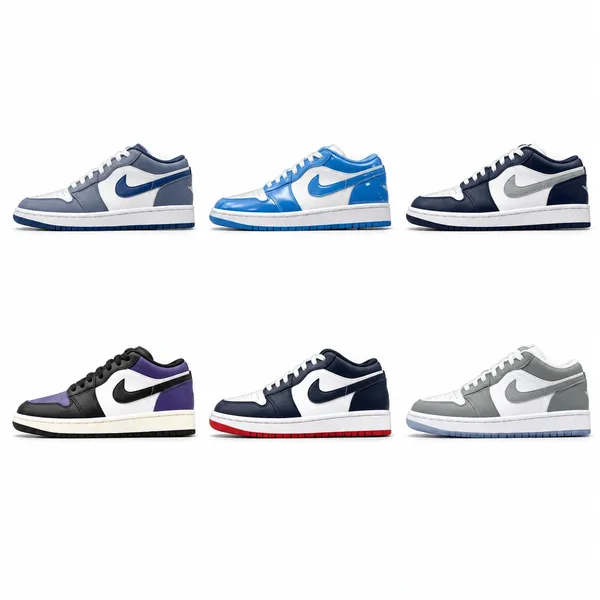
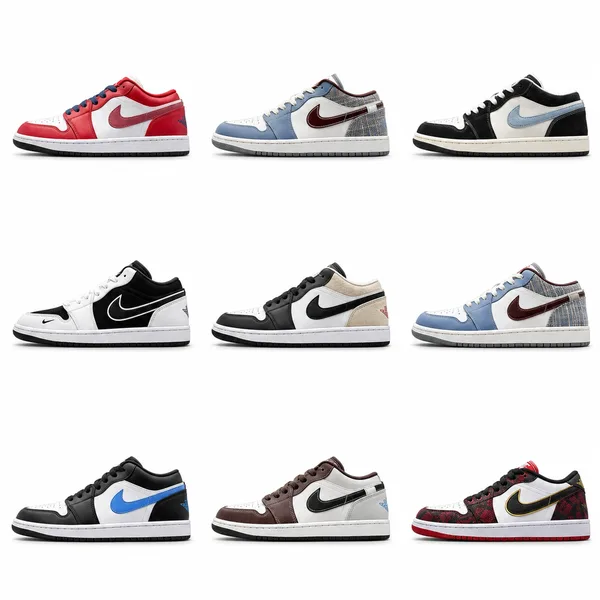
The right shoes can change the balance of an outfit: a clean low-top leaves the clothes in focus, while a layered runner adds movement to a plain pair of trousers. The harder part is finding the colourway you want, understanding what its price includes and choosing the right size from a crowded listing.
Our OopBuy shoes spreadsheet is built around that search. On oopbuy-shopping.com, combined covers bring a listing’s styles into one view; individual product pages add descriptions, option photos and factory photos where available. Start with a familiar model or discover a different shape, compare the details, then follow the matching link to choose and order on OopBuy.
Think about the trousers you reach for most often. Straight jeans leave much of a shoe visible, so the toe shape and side panels have room to stand out. Wide trousers fall further over the upper; here, the outline of the sole and the colour around the hem often do more of the work. Shorts expose the whole shoe, making its proportions a bigger part of the outfit.
Then decide whether the shoes should blend in or lead. White, cream and grey are easy starting points for an everyday wardrobe. A black shoe with a bright accent can pick up one colour from a jacket or cap. If the rest of the outfit is quiet, a layered runner or a bold sole can provide the detail without needing another busy print.
If you know the look you want but not the model name, these listings offer several useful starting points. They are products in our current collection, with different shapes to compare—not a ranking that asks everyone to buy the same pair.
| In the collection | What to compare |
|---|---|
| Nike Air Force 1 Low | A familiar low-top starting point. Compare light and dark options against the trousers you wear most, then look at the toe and sole proportions in the individual photos. |
| Nike Shox TL | For an outfit built around a distinctive sole. Compare the contrast between the upper and the columns, especially when choosing between an all-dark option and one with brighter accents. |
| New Balance 530 | A useful place to explore a retro-running look. Look at the balance of light panels, darker trim and mesh, rather than choosing from the colour name alone. |
| ASICS GEL-KAYANO 14 | Compare the layered side profile with the New Balance options. The arrangement of overlays and colour accents gives each choice a different rhythm alongside simple trousers. |
| adidas Superstar | Start here for a shell-toe silhouette. Check the contrast between the stripes, toe cap and heel to choose how much detail you want in an otherwise simple outfit. |
| Balenciaga 3XL | An option to compare when you want more visual volume. Consider the sole width with your trouser opening; a close-up alone does not show the whole outfit proportion. |
| Birkenstock Arizona | A different direction for an open, two-strap silhouette. Compare strap colour, buckle finish and the shape of the footbed before deciding which option suits your wardrobe. |
Already looking for a New Balance 530? Start with “530” in the search box. A model name is a more useful first step than a broad word such as “shoes”. If you only know the brand, search for that first, then compare the shapes in the results. When a narrow search misses what you had in mind, shorten it to the model or brand instead of adding more words.
If you are browsing without a fixed model, stay in the Shoes category and use the combined covers as a first pass. They show the range of looks grouped inside each listing, so you can spot a promising colourway without opening every product. Once two or three listings stand out, open their detail pages in separate tabs and compare the same views.
A combined cover is especially useful when one listing contains several models or colour combinations. It helps you discover the choice; the individual option photo identifies the pair. Keep that photo in mind when you follow the OopBuy link, because the position of a shoe in the collage is not its option number.
Imagine you want a pair for navy straight-leg jeans and a plain grey sweatshirt. Both a New Balance 530 and a Nike Shox TL could be worth exploring, but they would give that outfit a different finish. This is a more useful comparison than putting unrelated colours, shapes and prices side by side.
Factory photos help you choose before buying; warehouse QC photos help you check the pair received for your own order. On this site, open the enlarged images and stay within the chosen style’s photo group. Shared detail photos can explain a shared feature, but a colour decision needs a photo of that colourway.
Use matching angles when comparing two options. A low camera position can make a sole look larger, and strong lighting can make a pale panel look whiter. The guide below gives each view a job, so you can spend time on the details that affect your choice.
| Photo to open | What it helps you decide |
|---|---|
| Complete side view | Compare toe length, the rise of the sole, panel shapes and the position of colour accents. This is the best starting view for judging the overall silhouette against another pair. |
| Top view and toe area | See whether the toe looks rounder or more tapered, how the laces sit and how much of each panel is visible from above. Apparent width in a photograph is not a substitute for a fit measurement. |
| Close-up of joins and trim | Look at visible stitching, the edge where the upper meets the sole, and differences between versions. If a feature is not shown clearly, ask about that feature instead of assuming the more expensive option improves it. |
| Your order’s arrival photos | Match the ordered colour and size label; compare the left and right shoes and look for visible marks or damage. Report a mismatch through the OopBuy order before arranging international shipment. |
A price range means there is more than one price among the listing’s options. It may come from different models, colours, sizes or explicitly offered quality versions and production batches. The useful question is not simply “Which one costs more?” but “What changes between the two options I am comparing?”
Start by selecting the same model, colour and size in each option. Then look for an explanation of the remaining price difference. That keeps a comparison between batches separate from a comparison between two entirely different shoes.
Your most comfortable pair is a useful starting reference. Note its brand, model and size label, then compare that with the selected listing’s sizing information. EU, UK, US and centimetre labels are different systems; a centimetre value may refer to recommended foot length rather than the physical length of the insole. Check what the chart measures before comparing numbers.
For a new shape, think about width as well as length. A snug toe area or a high instep can change how a size feels even when the length seems right. Use model-specific guidance when available, and ask for the relevant measurement when it is missing. Automatically moving up one size for every sneaker is a poor substitute for checking the pair you actually want.
Buying the shoes and sending the parcel overseas are separate stages. Keep the product’s individual option photo handy as you move from browsing here to ordering on OopBuy.
The price beside a shoe is useful for comparing products, but it is not the delivered total. Allow for the selected pair, domestic delivery where charged, services you choose, international shipping and any applicable import charges. Review the actual charges at the relevant stage; a price shown in dollars here is a browsing reference, not a fixed OopBuy exchange-rate promise.
Two pairs with similar item prices can take up different space once packed. A bulky box may affect the parcel estimate, so compare the available packing choices before deciding whether to keep it. Combining purchases may change the cost per item, but the final weight, dimensions and route still determine the quote. Use the parcel estimate to choose, rather than assuming that adding another pair always saves money.
Start with the clothes you repeat most. If your trousers or outerwear already have a strong pattern, compare the quieter colours in an Air Force 1 or Superstar listing. With plain trousers and a simple top, explore the overlays and accents in a 530 or GEL-KAYANO 14. Compare the full side views and the amount of shoe your trouser hem will leave visible.
No. Browse the Shoes category on this website, use search to narrow the collection and open a product for its individual photos and details. The OopBuy button takes you to the corresponding platform listing when you are ready to choose your options.
Start with the distinctive part of its name, such as “Shox” or “530”. If that finds nothing useful, try the brand and compare the results. A long colour or collaboration name can be written differently across listings.
The cover brings a listing’s choices together so you can browse them quickly. Some listings group colours; others include more than one model. Open the product page and match the individual option photo before ordering.
It may be, but a range covers several options. Select your intended model, colour, version and size on OopBuy to see the current price for that combination.
They help with shape, detailing and visible construction. Comfort also depends on fit, foot shape and how the shoe feels in use. Use the exact model’s sizing information and available product details rather than treating a thick sole as a comfort guarantee.
That depends on whether you want the packaging. Keeping it can add parcel volume; removing it does not guarantee a particular saving. Review the available packing options and parcel estimate on OopBuy before deciding.
Use your OopBuy order to report the mismatch before requesting international shipment. Include the selected option and the arrival photo that shows the difference. Any replacement or return follows the applicable order and seller terms.